Every order, buyer and payout from Fiverr, in one calm place.
Workbloom keeps your delivery deadlines, buyer messages, custom offers, level and earnings together, so nothing slips and you always know what to do next. It never sends, delivers or clicks anything on Fiverr for you.
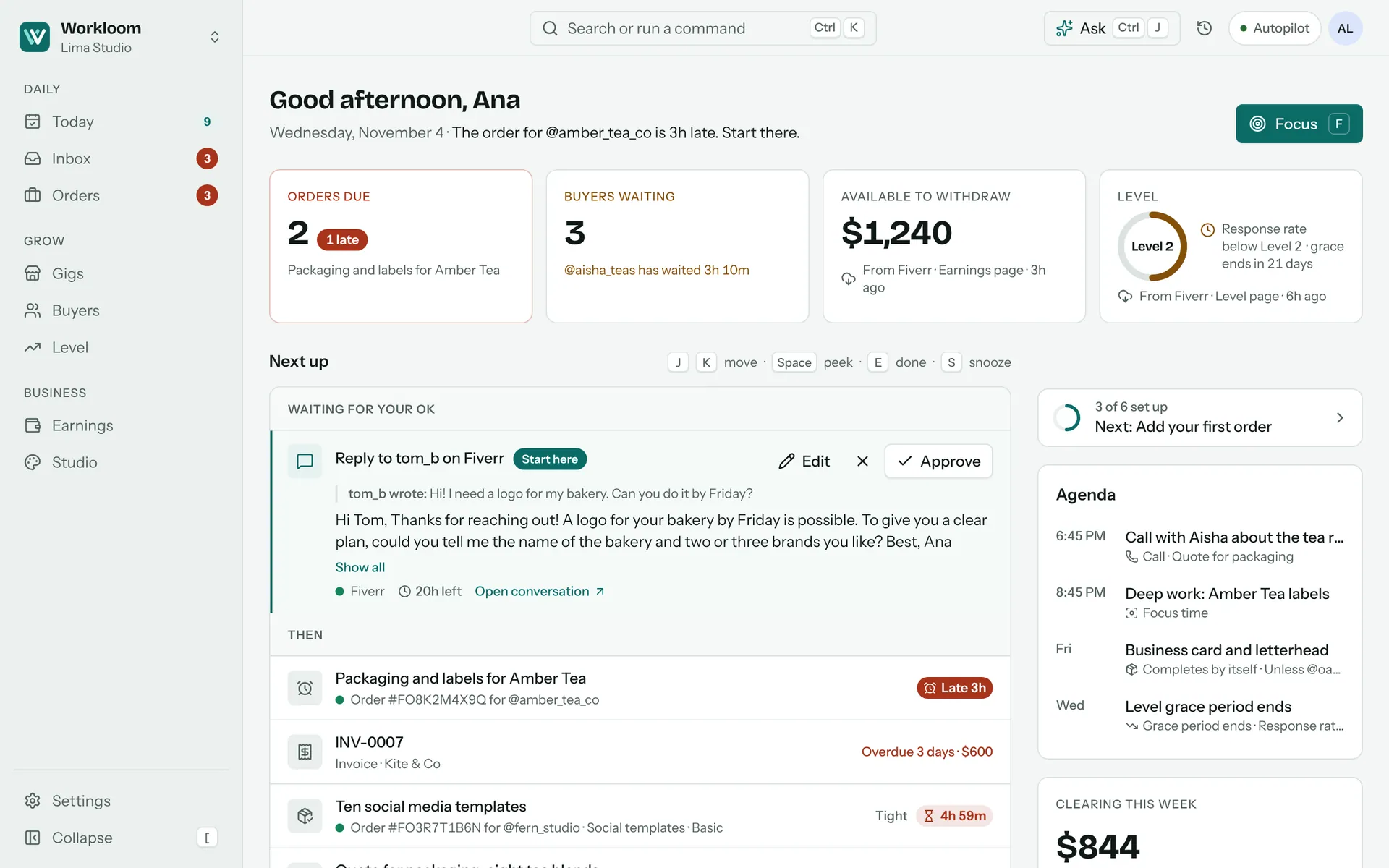
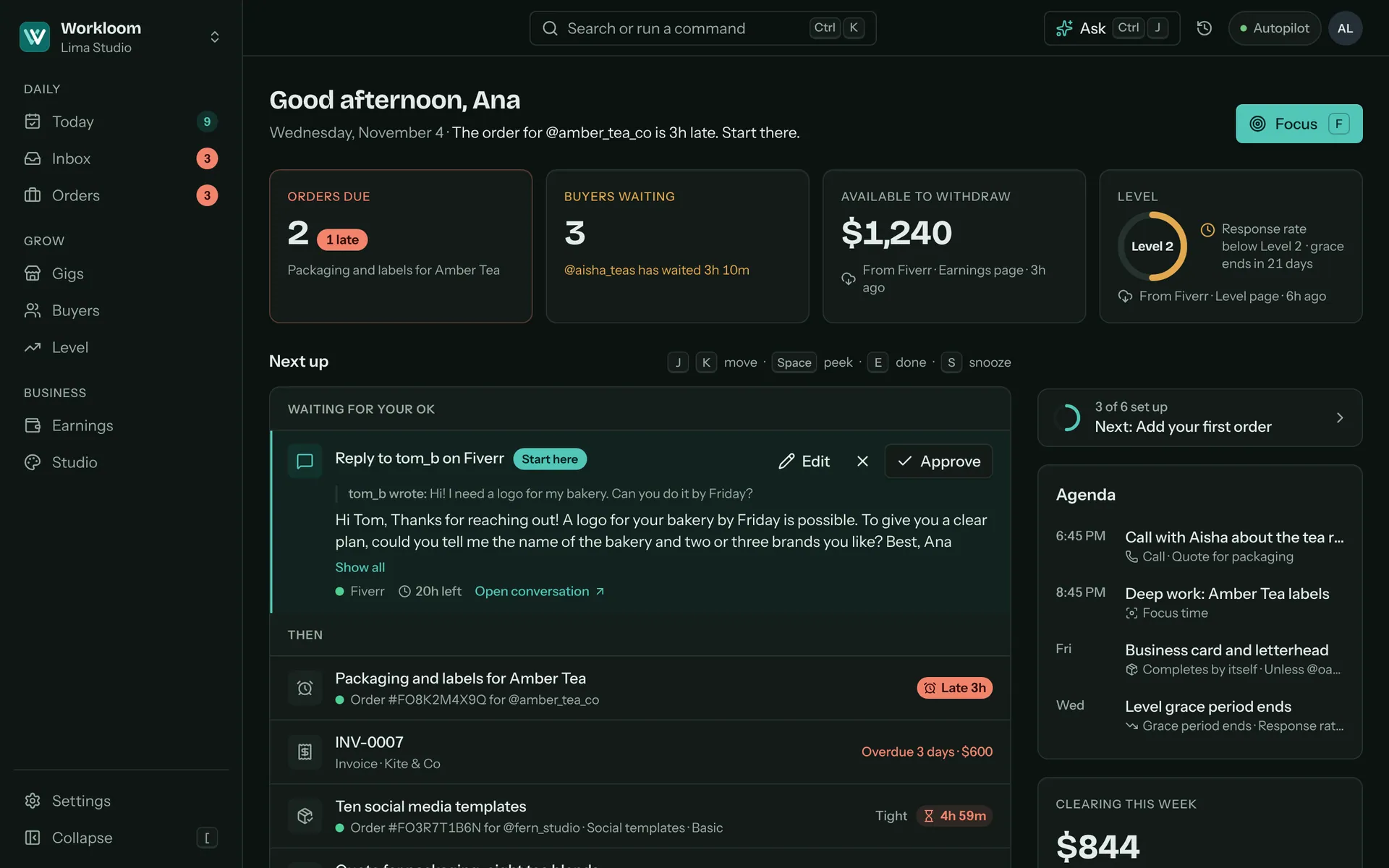
Fiverr runs on clocks. Workbloom keeps them in view.
A delivery date, a first reply within 24 hours, a level that needs steady numbers, money that clears on a schedule. Each one gets a place on your screen, with where its number came from.
The delivery clock
Never miss a deadline
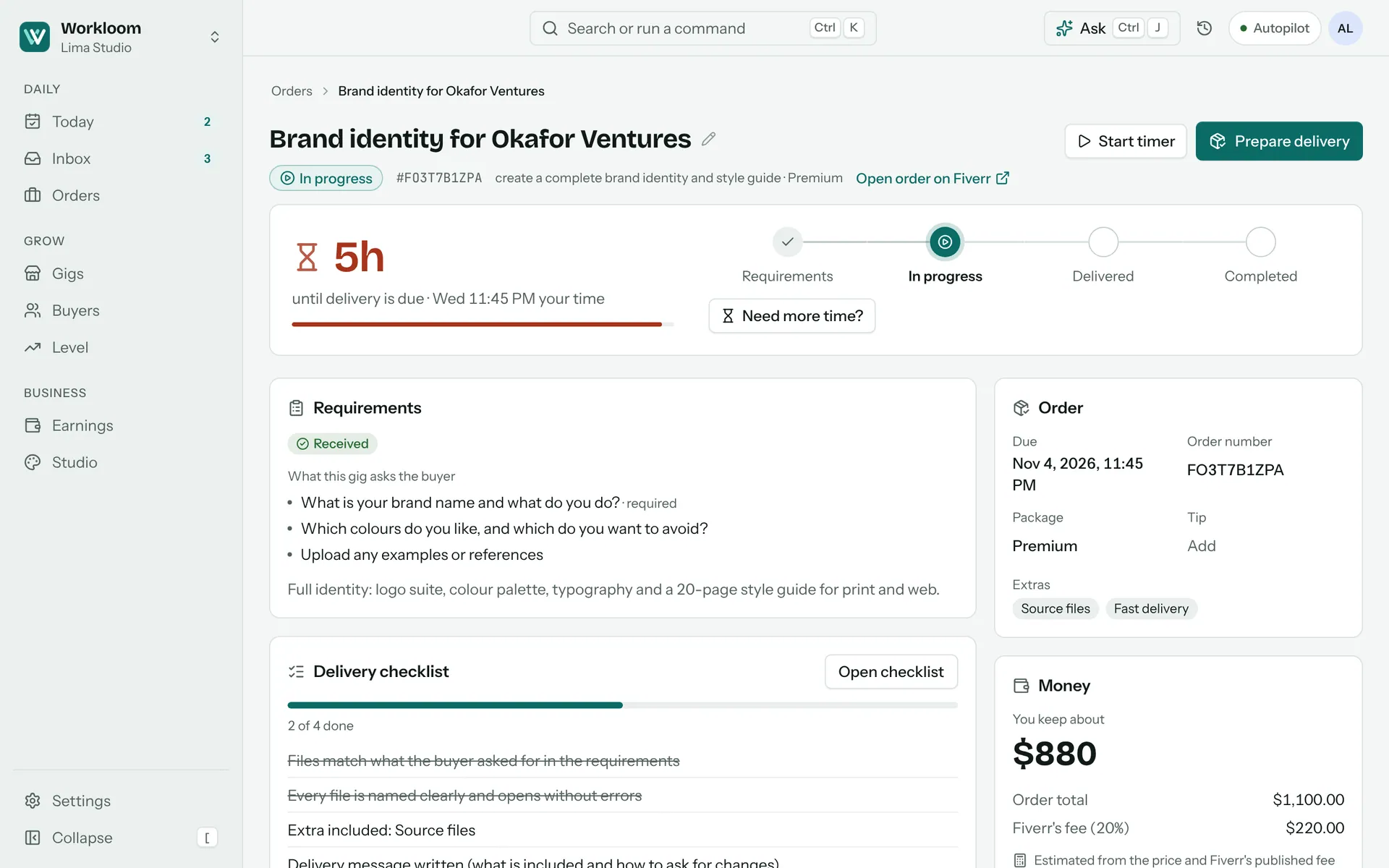
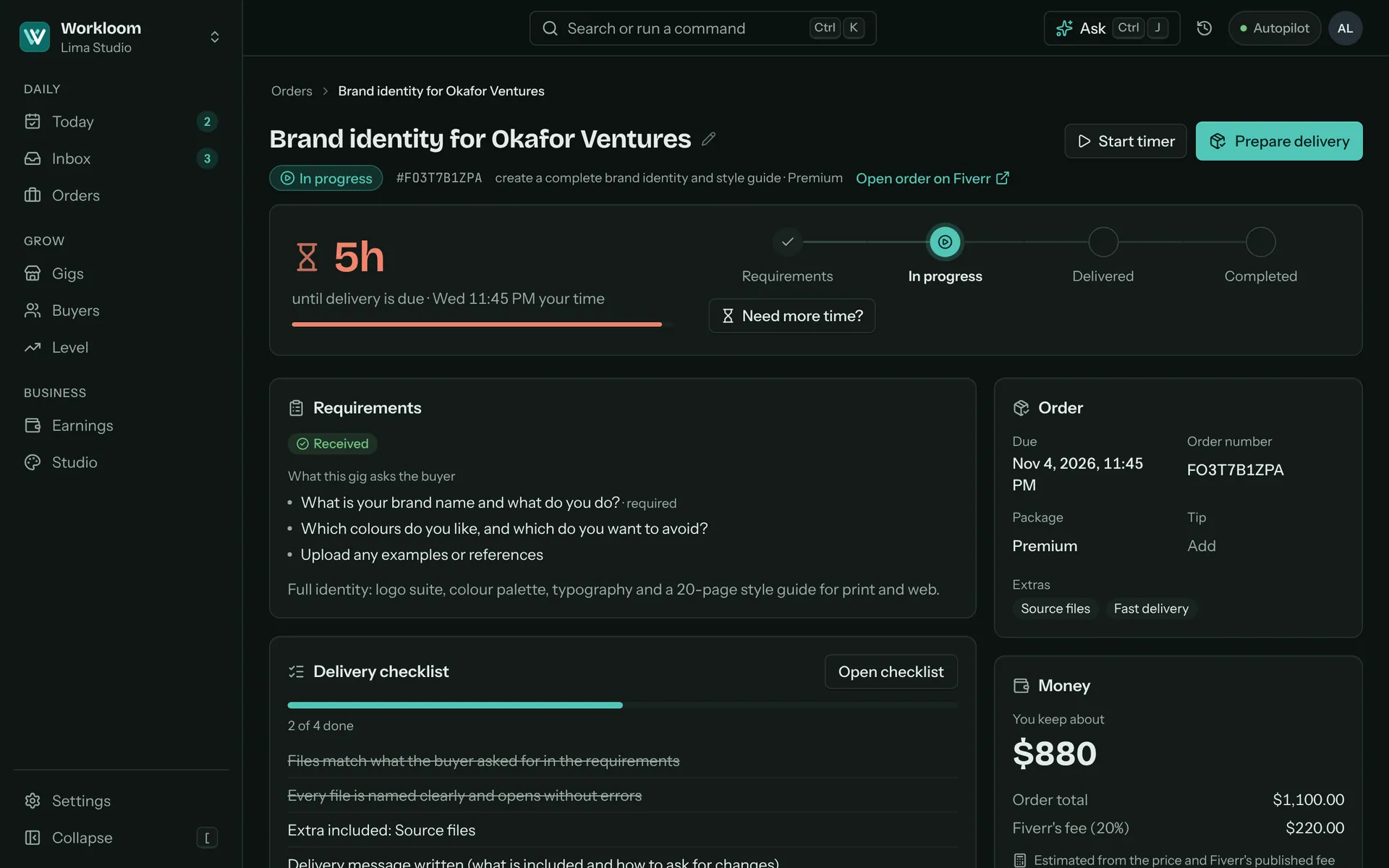
Every open order shows the time left until delivery is due, in your time zone, and where it stands from requirements to completed. You see a tight order while there is still time to act.
- A clock on each order, with the exact due time for you and, on hover, for the buyer
- A delivery checklist and a message to copy, so the hand-off is quick and complete
- “Need more time?” suggests a new date and drafts the note, for you to send on Fiverr
Inquiries and custom offers
Answer fast, offer well
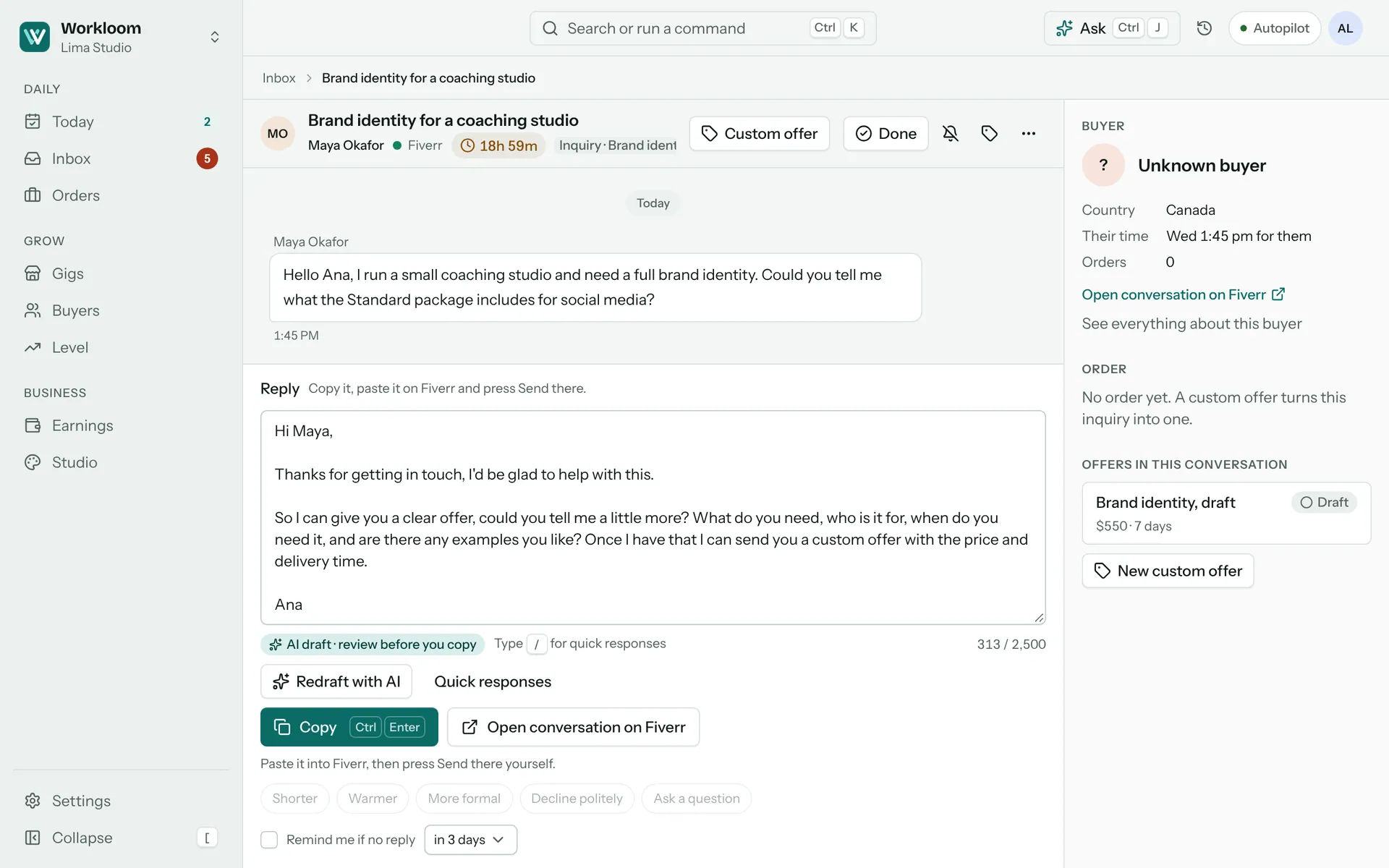
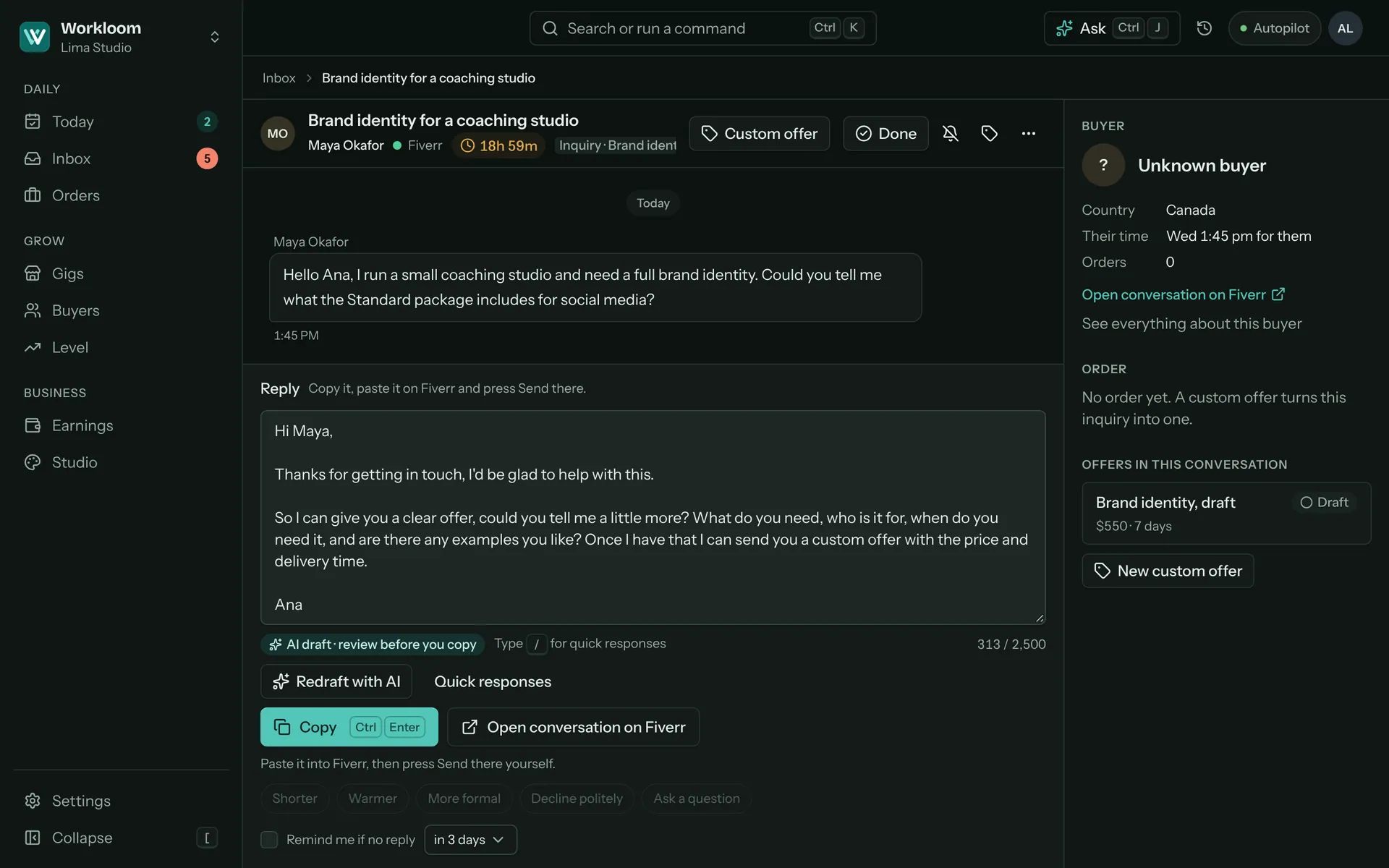
Fiverr watches how quickly you reply. Workbloom puts a response clock on every inquiry, drafts a first answer, and turns the conversation into a custom offer with your price after Fiverr’s fee already worked out.
- A response clock on each inquiry, so the 24-hour window never surprises you
- Drafts in your voice and your own quick responses. You edit, copy and press Send on Fiverr
- Offers built from your own gig packages, with what you keep shown beside the price
- A message check that flags contact details, outside links and review requests before you paste
Gigs and level
Grow on purpose
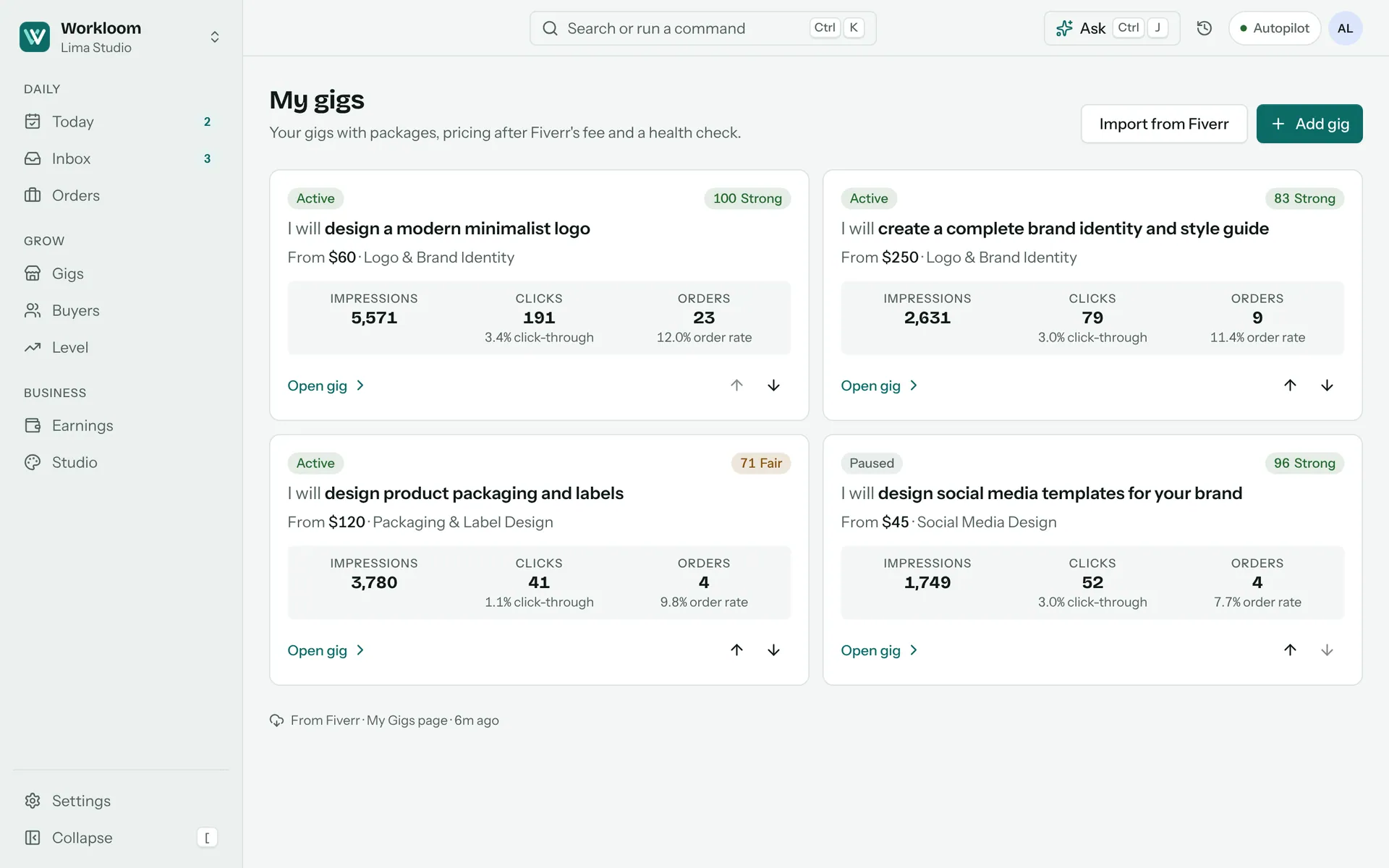
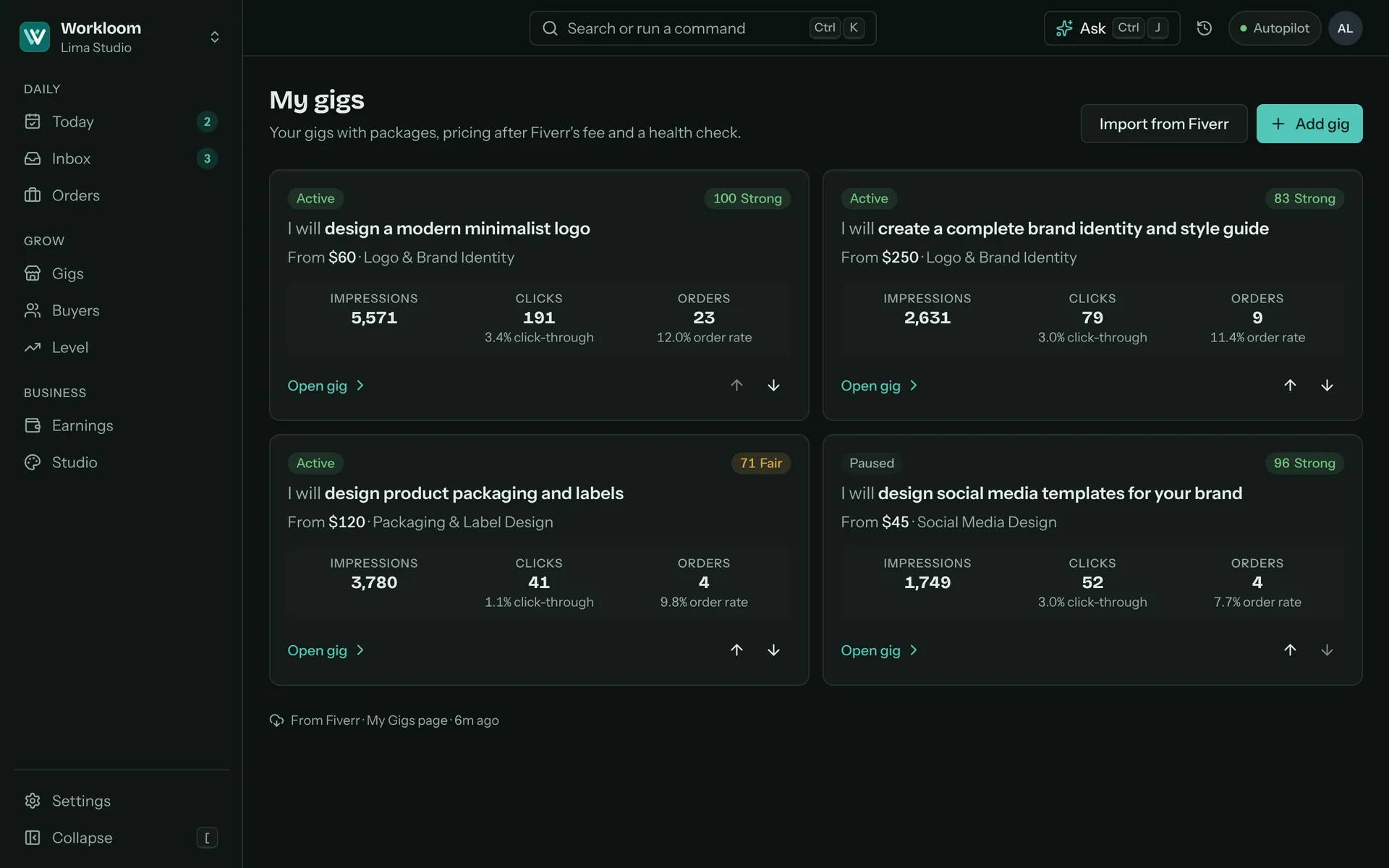
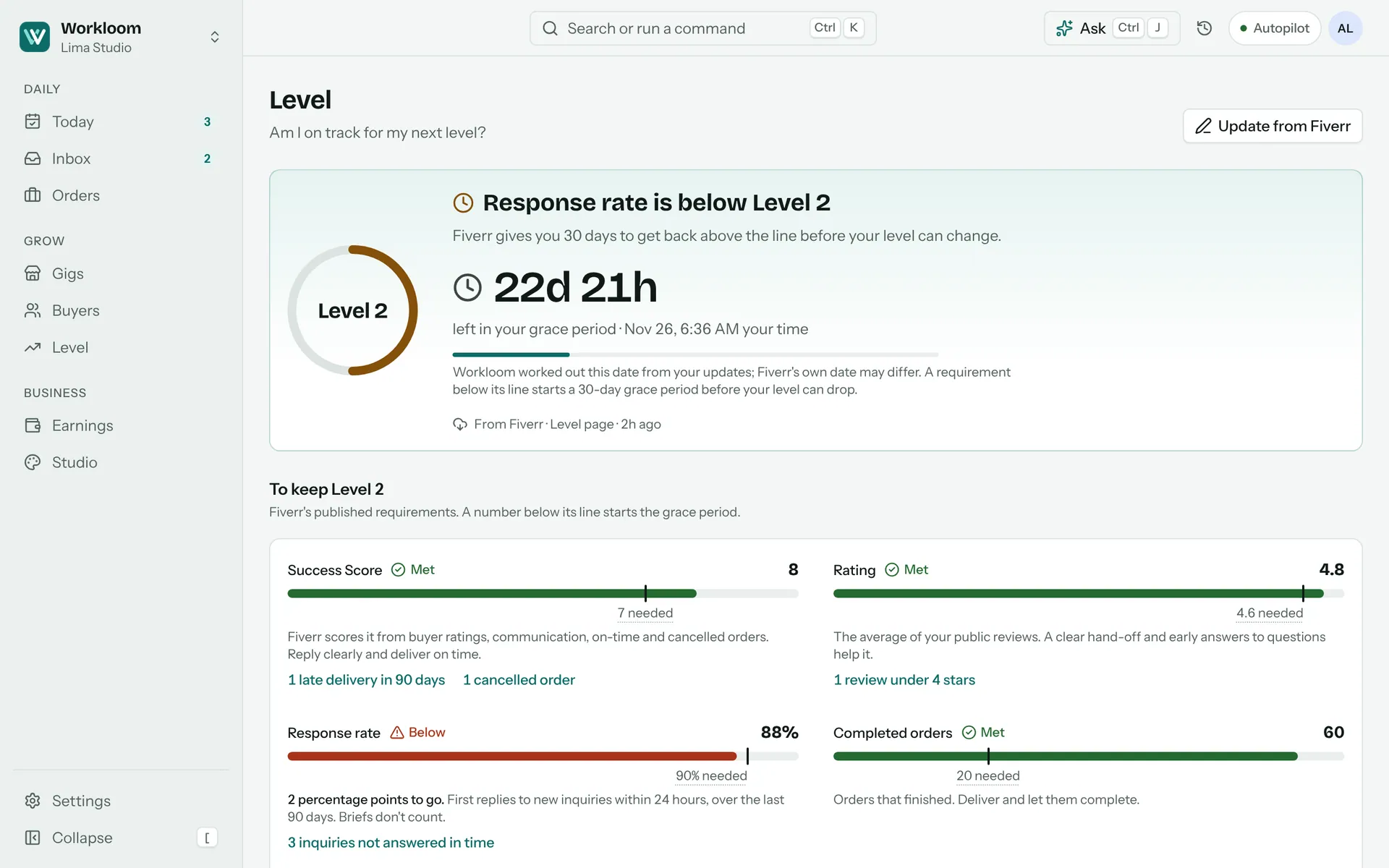
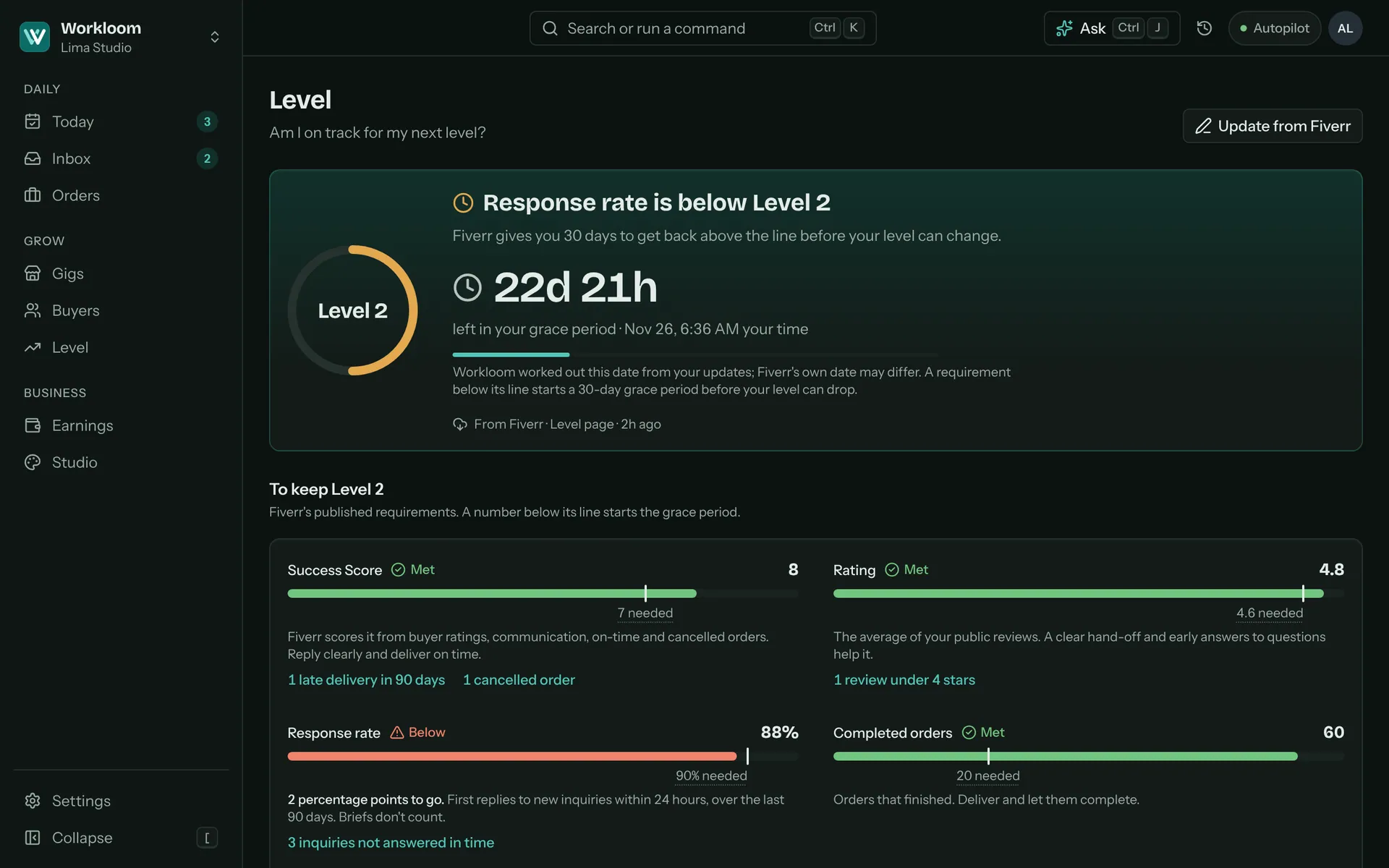
See which gigs turn views into orders, how each one measures up against Fiverr’s published limits, and where you stand on every requirement for your level, with the grace period counted down if a number slips.
- Impressions, clicks and orders for each gig, with the click-through and order rate
- A health check for titles, tags, packages and descriptions
- Your level requirement by requirement, and what could cost you it
- Every Fiverr number says where it came from and how old it is
Earnings and clearance
Know when the money lands
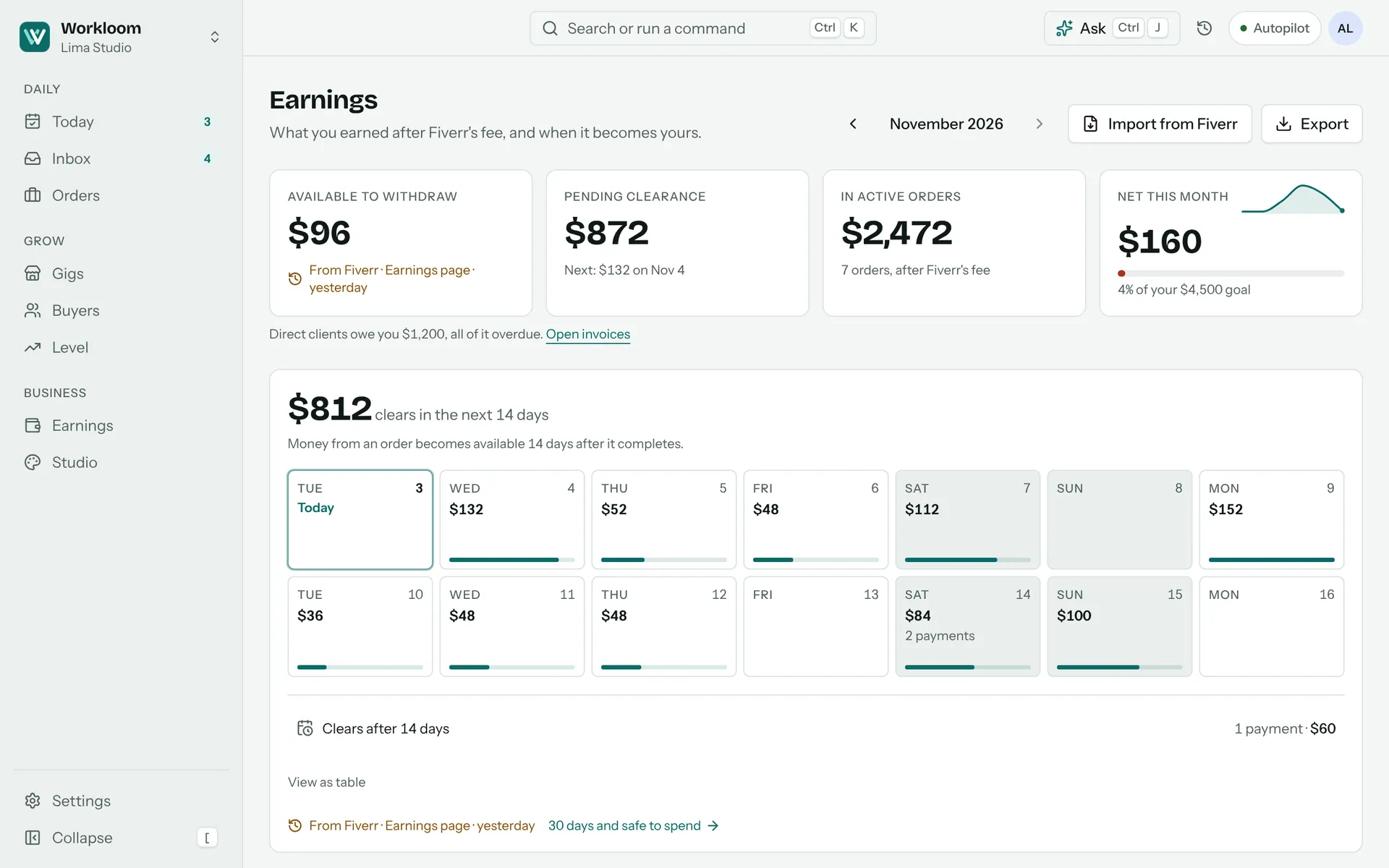
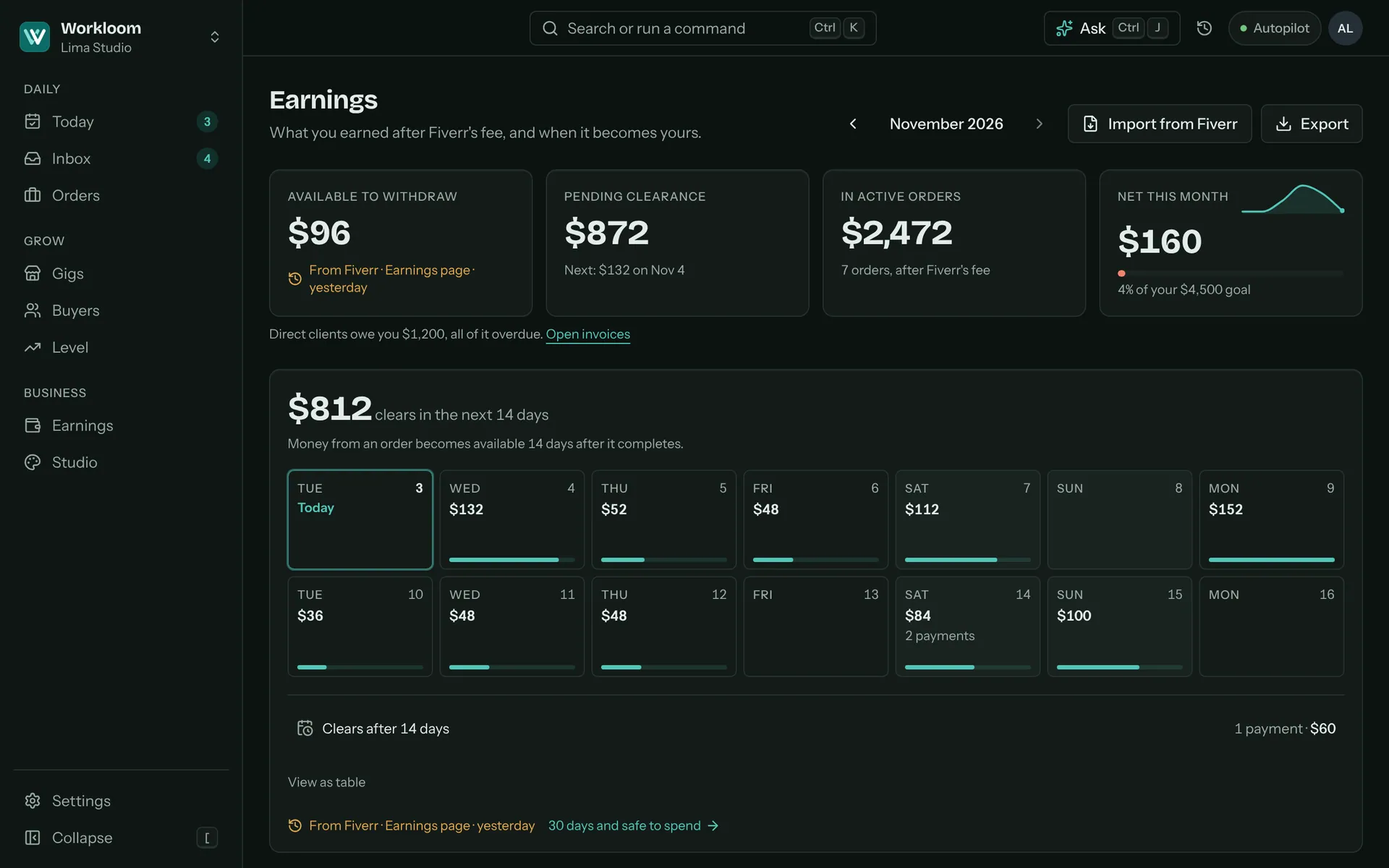
Fiverr takes its fee and holds each payment while it clears. Workbloom shows what you can withdraw now, what is still clearing and on which day, and what you really keep.
- A calendar of the money clearing over the next 14 days
- Net after Fiverr’s fee for every order, with estimates labelled as estimates
- Import Fiverr’s own Earnings CSV with one drag and drop
- Direct clients too? Their invoices and reminders live here as well
Bring in your Fiverr data your way
Fiverr has no API for sellers, so every route is one you drive yourself, and none of them is required. Start with a file, or with nothing at all.
Import your Earnings CSV
In Fiverr, open Earnings, export your activity as a CSV and drop it here. It is Fiverr’s own export, and it fills in orders, earnings, fees and clearance in one go.
Add things by hand
Log an order or type in your level numbers whenever you like. It takes seconds, and every screen works with what you enter.
Email alerts
Connect Gmail and Fiverr’s notification emails turn into messages, orders and money events. Workbloom checks who sent each one.
Browser extension
Keeps Workbloom fresh from the Fiverr pages you open yourself. It stays off until you switch it on, after a plain note about the risks.
Your Fiverr account stays in your hands
Fiverr’s rules ban scraping, bots and taking work off the platform. Workbloom is built so it cannot do any of them, and your seller account is too valuable to gamble with.
Reads only the pages you open
The optional extension reads the Fiverr page in front of you, in the tab you opened, and nothing else. It never browses, scrolls or opens pages on its own, and does nothing in a background tab.
Never sends, clicks or delivers
Messages, offers and deliveries go out only when you press Send, Deliver or Submit offer on Fiverr yourself. Workbloom copies text, or fills one box when you click its chip.
No password, ever
You sign in on Fiverr. Workbloom never asks for your Fiverr password and never stores it.
Nothing off-platform
No payment links, invoices, portals or emails for your Fiverr buyers. The message check warns you about contact details and outside links before they reach a message.
No pressure for reviews
Workbloom never drafts a request for a review, and never ties one to a discount or a rating. Fiverr asks your buyers itself.
You stay in charge
Autopilot prepares drafts and raises alerts. On Fiverr it can never send anything; anywhere else, a send waits for your click on the exact text. One switch pauses everything, and every action is logged, with undo where it makes sense.
Questions
The short answers. The longer ones are on the Privacy, Terms and Security pages.
Is this allowed by Fiverr?
Workbloom is an independent tool, and Fiverr has not reviewed or endorsed it. Fiverr’s Integrity Standards forbid scraping, bots and taking work off the platform, so Workbloom does none of those: it never browses Fiverr for you, never clicks or sends for you, and never moves a conversation or a payment off Fiverr. We found no published Fiverr rule about browser extensions either way, so the extension is optional and stays off until you switch it on, after a plain risk note. Everything else works without it, and Fiverr decides how it enforces its own rules.
What does the extension see?
Only the Fiverr pages you open yourself, in the tab in front of you: your orders, gigs and their stats, your earnings and level pages, your reviews, and the conversations and custom offers you open. It reads nothing in a background tab and never opens a page, scrolls, clicks or submits anything. It doesn’t read your password or payment details. What it reads goes to your own Workbloom workspace, and you can switch it off or revoke it at any time. When you click its “Workbloom draft ready” chip, it fills one text box with your draft. You read it and press Send on Fiverr.
Do I need the extension?
No. You can import Fiverr’s Earnings CSV, add orders and level numbers by hand, or connect Gmail for Fiverr’s notification emails. Every screen shows where its numbers came from and how old they are, so you know when to refresh them. The extension only saves you some of the manual steps.
What does it cost?
Signing up takes your email, and Workbloom doesn’t ask for a card.
Does it work for other platforms?
Yes, as a second place. Fiverr comes first, and from Settings you can also bring in Upwork, Freelancer.com, PeoplePerHour and your direct clients. Direct clients can get invoices and a client portal. Fiverr buyers never do, because Fiverr requires all business with them to stay on Fiverr.
Will Workbloom ever send, deliver or accept something for me?
Not on Fiverr. Workbloom writes drafts, checks them, and copies them or fills one box when you click. You press Send, Deliver or Submit offer on Fiverr yourself. Autopilot can only prepare drafts and raise alerts there, at every level. On the other platforms you can add, a message goes out only when you confirm that exact text.
What does the AI do?
It drafts replies, offers and delivery notes, and answers questions about your own numbers. Everything it writes is a labelled draft you can edit. Usernames, emails and phone numbers are removed from text before it goes to an AI service, and every feature still works when the AI is unavailable.
Where is my data kept?
In a Postgres database run by Supabase, with row-level security so each workspace only ever sees its own data, and the app is hosted on Vercel. Fiverr usernames, messages and review text never appear on public pages. Your data is never sold, and you can export or delete it.
Can I try it without connecting anything?
Yes. Sign in with your email and load the sample business: a Level 2 gig seller with orders, inquiries and earnings to look around. Clear it with one click when you are ready for your own data.
Stop checking five Fiverr tabs. Open one calm page.
No card and no Fiverr password: just your email.
Create your workspace